Adobe Pricing is Out of Control: Here Are the Free Alternatives That Don't Suck
Table of Contents
Reading time: 12 minutes
$75/month. That’s what Adobe wants now. Every. Single. Month. To rent software you used to own outright.
Let me say that again: $900 PER YEAR to access files in formats Adobe created. If that doesn’t make you want to throw your laptop out the window, I don’t know what will.
And here’s the really fun part—they keep raising prices. “But it’s only $10 more!” becomes “wait, it’s $15 more?” and suddenly you’re paying more for less while they stuff AI features nobody asked for into every release.
Sound familiar? Yeah. I see you nodding.
The Problem: You’re Being Held Hostage
Adobe has perfected the art of the switch. You’ve got .psd files. You’ve got years of workflows. You’ve got muscle memory that took forever to develop. And Adobe knows—KNOWS—that leaving is painful enough that you’ll just keep paying.
That’s not a relationship. That’s a hostage situation with better UX.
Here’s what else: you don’t own your upgrade timeline. Adobe decides when you learn new features. Adobe decides what’s “included” (looking at you, removed features that reappear as separate paid add-ons). Adobe decides when your “cloud storage” is “upgraded” and suddenly your files are somewhere different.
We used to call this software. Now it’s “creative empowerment” that costs more than my mortgage.
The Plot Twist: The Alternatives Actually Don’t Suck Anymore
Here’s where it gets interesting. Five years ago, I would have told you to stick with Adobe. The open source options were… honest efforts, let’s say. Functional, but with learning curves steeper than a cliff face.
But 2025? Different story. The open source community has been busy. Really busy. And honestly? Some of these tools have not just caught up—they’ve surpassed Adobe in specific areas.
We’re talking:
- Professional-grade photo editing that rivals Photoshop
- Vector tools that actually compete with Illustrator
- Video editing that makes Premiere Pro users jealous
- Design platforms that teams are actually adopting
And did I mention… free? Forever? No subscription? Your files, your formats, your terms?
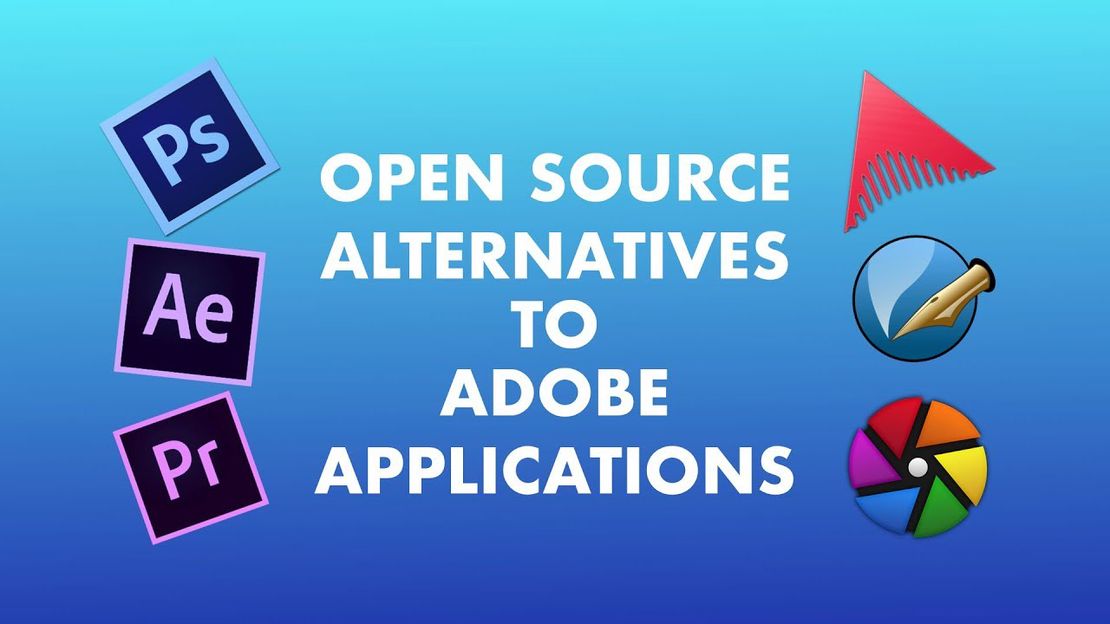
Photo Editing: GIMP, Krita, and Darktable
Let’s start with the big one. Photoshop replacement.
GIMP 3.2 - Remember when GIMP looked like it was designed in a basement in 1997? Yeah, that’s over. The 3.2 release finally brought non-destructive editing—the #1 thing photographers asked for. Adjustment layers. Smart objects. A customizable interface that doesn’t make your eyes bleed.
The performance improvements are real too. We’re talking 40% faster processing on high-res images. HDR workflows. Professional color management. I’m not saying it’s IDENTICAL to Photoshop—muscle memory takes adjustment—but it’s not a compromise anymore. It’s a legitimate choice.
Krita - For digital artists, Krita has always been the secret weapon. The brush engine? Still unmatched. Over 200 customizable brush presets, complex brush behaviors, animation capabilities that Adobe charges extra for.
But the 6.0 release added AI-assisted features that rival Adobe’s Firefly—except here’s the kick: it all runs locally. Your data stays on your machine. No cloud processing, no mysterious AI training on your work. Privacy-first creative tools. What a concept.
Darktable - Lightroom users, this one’s for you. Darktable 5.0 has camera support that actually EXCEEDS Adobe now—over 750 camera models including the latest professional bodies. The noise reduction? Matches or exceeds Lightroom. The filmic module for dynamic range? Better than Adobe’s equivalent.
Oh, and AI-powered scene detection that automatically suggests processing parameters? Adobe locks that behind premium tiers. Darktable? Just works.
Vector Graphics: Inkscape and SVGator
Inkscape 2.0 - The Inkscape team dropped an absolute bomb in early 2025. Completely rewritten rendering engine. Performance that finally matches Illustrator. Multi-threading support that eliminates the lag that made previous versions painful.
Typography handling got a complete overhaul. Variable fonts. OpenType features. Text flowing between linked frames. This is magazine-quality typography in free software. Let that sink in.
For web designers, the new responsive SVG features let you build graphics that adapt to different screen sizes. Combined with better SVG standards compliance, Inkscape is now the go-to for vector work on the web.
SVGator - Not as famous, but if you do any SVG animation, this is essential. Creates lightweight, performant animated SVGs without JavaScript libraries. The timeline interface will feel familiar if you’ve used Animate. And here’s the kicker: the code it outputs is actually more efficient than Adobe’s. Smaller file sizes. Better performance. No dependency hell.
Video Production: DaVinci Resolve, Kdenlive, and Natron
DaVinci Resolve - Full disclosure, it’s not fully open source. But the free version is so absurdly capable it deserves mention. Editing, color grading, visual effects, motion graphics, audio post-production—all in one application. Effectively replaces Premiere Pro, After Effects, AND Audition.
The 2025 collaborative features let teams work simultaneously on projects. Editor cuts footage while colorist grades completed sequences while audio engineer mixes—all in the same project file. That integration is smoother than Adobe’s separate apps talking to each other.
Kdenlive - Once a capable but basic editor, now a legitimate professional NLE. 8K editing with proxy workflows. AI-powered tools: automatic scene detection, content-aware cropping, intelligent audio cleanup that runs locally.
The effects framework supports both native effects AND industry-standard OFX plugins. Same professional tools, no subscription required.
Natron - For After Effects users, Natron’s node-based workflow is actually more flexible than AE’s layer approach. GPU acceleration matches After Effects performance. AI-assisted rotoscoping dramatically reduces selection time.
Motion graphics got an upgrade too—expressions similar to After Effects, plus a new 3D space for basic compositing without external tools.
Design and Layout: Scribus, Penpot, and OpenFigma
Scribus 2.0 - The desktop publishing standard-bearer finally hit true InDesign competitor status. CMYK color separations. Professional PDF/X output. Typography support that rivals professional tools.
Right-to-left languages and complex scripts are now properly supported. Master page templates. Style sheets. XML import for data-driven publishing. This is magazine and newspaper publishing in free software.
OpenFigma - After Figma’s controversial acquisition and licensing changes, the community built this fully open source fork. Self-hosting options address privacy concerns. Standard web technology extensions mean a rapidly growing plugin ecosystem.
Design systems management exceeds Figma’s capabilities—component variations from design tokens, intelligent style propagation, cleaner design-to-code output.
Penpot - The fully open source design platform built from the ground up. Uses SVG and HTML as native formats—designers and developers work with the same files. No translation layer. No miscommunication.
Prototyping capabilities now rival Figma and XD. Handles massive design systems without lag. Enterprise-scale performance in free software.
The Numbers Don’t Lie
Here’s what changed my mind: 42% of professional designers now use at least one open source application daily. Up from just 18% in 2022. That’s not hobbyists—that’s the industry waking up.
The quality gap? Narrowed dramatically. In some areas—video color grading, SVG animation efficiency, privacy-first AI—open source has already passed Adobe.
And the cost? $4,500+ saved annually for a five-person creative team. That’s a salary. For just using different tools.
Making the Switch (Without Losing Your Mind)
Look, I’m not saying the transition is zero effort. But it’s gotten way easier:
- Identify essential workflows - What do you ACTUALLY need? Find tools that match those specifically.
- Run parallel initially - Use both systems until you’re comfortable. No cold turkey required.
- Join communities - OpenCreative.org, LibreGraphics mailing list, Reddit communities. Experienced users have seen every gotcha.
- Explore resources - OpenCreative Academy offers free courses specifically for Adobe users transitioning.
- Contribute back - Report bugs, suggest features, even financially support projects you use. This keeps tools alive.
Your Move
Pick ONE tool from this list. Just one. Try it this weekend. See if it does what you need.
Maybe it’s GIMP for quick photo edits. Maybe it’s Inkscape for that vector project you’ve been putting off. Maybe it’s DaVinci Resolve because you’ve been paying for Premiere and using 20% of its features.
The subscription email will still be there next month. But now you’ll have a choice.
What’s your biggest Adobe pain point? Drop a comment—I’ll point you toward the best alternative.
This post is for informational purposes and reflects my personal experience with these tools. Your workflow needs may differ—always evaluate based on your specific requirements.